

Software
Sphere2
Provides teachers with a range of interactive software to realize the
full potential of their AVer visualizers.
Overview
This standalone visualizer software for PC and Mac gives users access to many handy features, like video recording, picture-in-picture and annotation, as well as a number of unique, advanced features, like automatic image correction, side-by-side comparison, a personalized media library and one-click upload to social media & file sharing sites. Moreover, the simplified design of Sphere2’s user interface allows users of all ages to master the software in mere minutes.
* Formerly AVerVision 4
** For more information on activating the Class feature, .
*** To learn more about AVer's terms and conditions, please .
**** To learn more about AVer's privacy policy, please .
Easy-to-Use Visualizer Controls
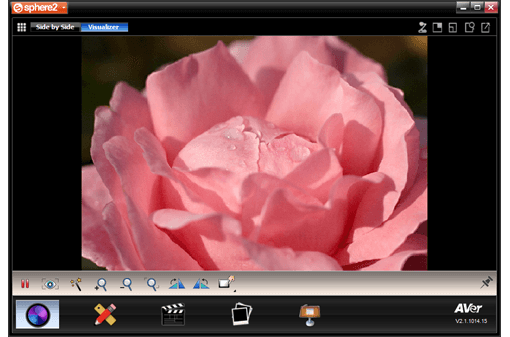
Access all of the visualizer’s main functions – zoom, focus, freeze and rotate – and have control over image adjustment settings – brightness, contrast, color, white balance and mode selection – to make operating your AVerVision visualizer via a computer easier than ever. Press the auto adjust button to instantly correct white balance, contrast, exposure and even realign the image to a perfect 90° if it is less than 15° askew.
Picture-in-Picture
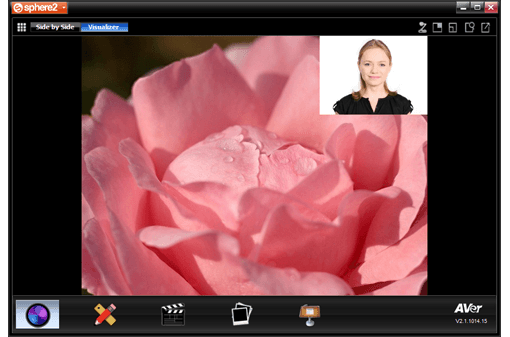
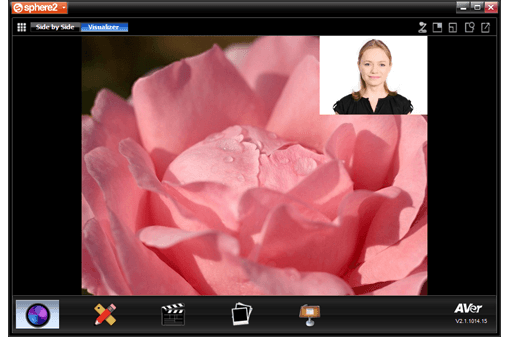
Stream live video from a second visualizer, an AVer TabCam or a webcam over the video from your visualizer, perfect for lectures conducted through e-learning platforms or for creating step-by-step instructional videos.
Media Library & Side-by-Side Image Comparison
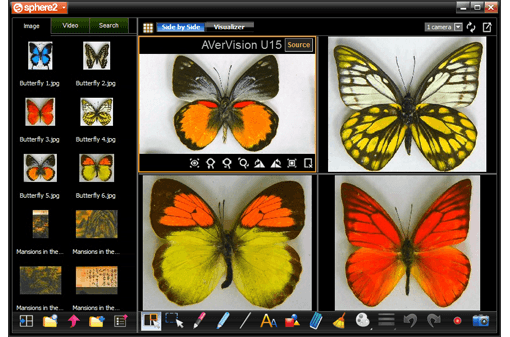
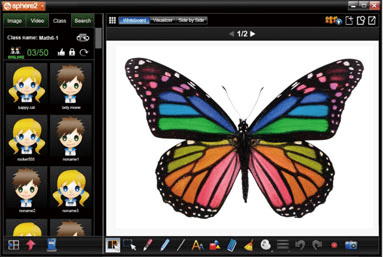
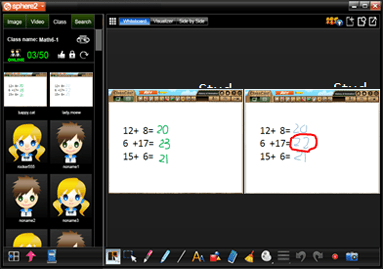
Create your own media library full of recorded videos and captured images to conduct side-by-side comparisons between the live images streaming from up to 3 visualizers, TabCams and/or webcams and still images - up to 6 separate image windows - while maintaining easy access to visualizer controls and annotation tools.
One-Click Media Upload
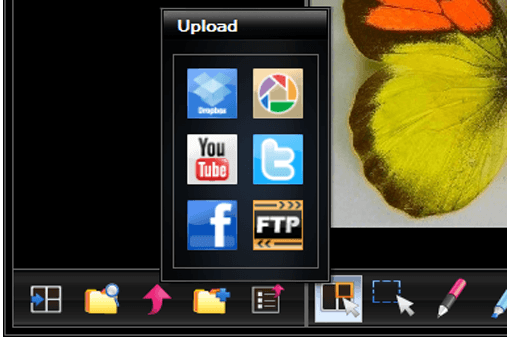
Make the excitement of class accessible from home by quickly uploading captured images and video recordings to social media sites – YouTube, Facebook – and file sharing sites – Dropbox, Picasa and FTPs.
Handy Annotation Tool
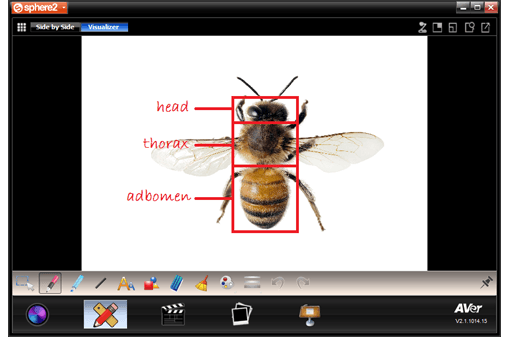
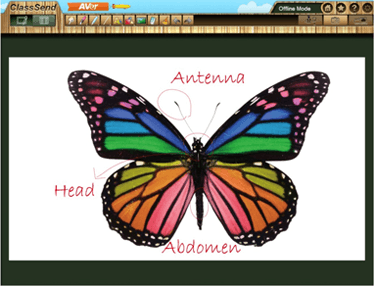
Enrich your presentations by making clear, informative annotations over live visualizer images. Take down notes, highlight text, draw lines even add shapes to transform any live visualizer image into the perfect diagram.
Live Video & Audio Recording
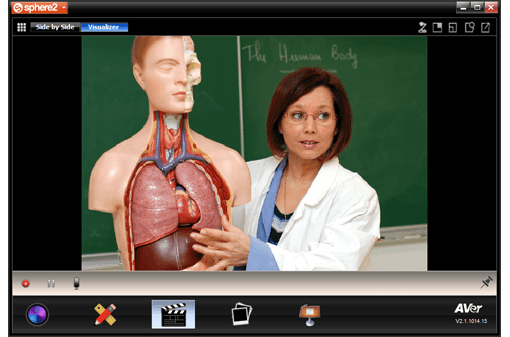
Turn live lessons, visits from guest lecturers or exemplary student performances into reference materials you can use again and again or use the video and audio recording function to prepare invigorating material before class starts.
Presentation Tools
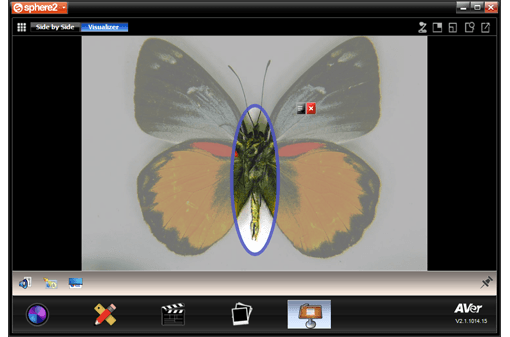
Cover select portions of the screen with a semi-transparent or opaque shield using the Spotlight and Visor features, great for both testing and test review scenarios.
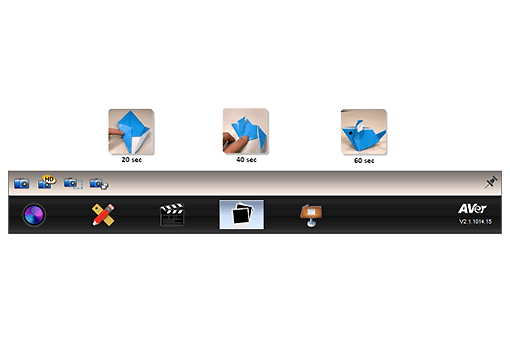
Single & Continuous Image Capturing
Take a single high resolution snapshot of all or part of the live image or use continuous capture for time lapse photography, capturing an image every 5 seconds to 6 hours for up to 72 hours to observe changes over time or to create great step-by-step visuals.
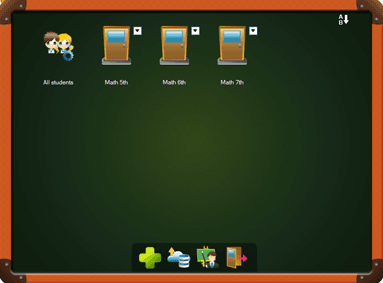
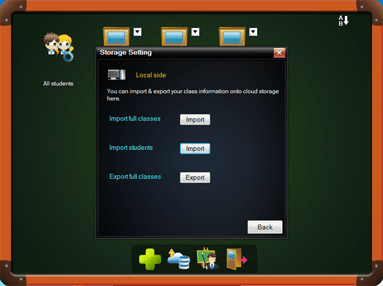
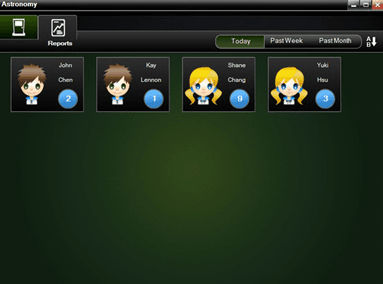
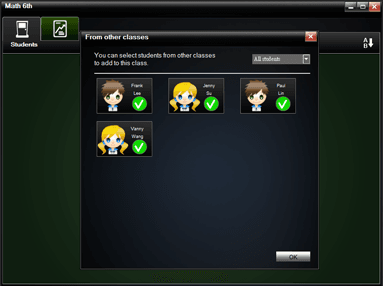
Class Feature
Specifications
Windows® 7 (32/64-bit), Windows® 8 (32/64-bit), Windows® 10 (32/64-bit)
| Windows® 7 (32/64-bit), Windows® 8 (32/64-bit), Windows® 10 (32/64-bit) | Microsoft® PowerPoint® 2007 or 2010 (32-bit) Processor: Intel® Core™2 Duo 2.0 GHz or faster Memory: 1 GB of RAM (2 GB recommended) Hard disk: 900 MB free hard disk space for installation Display resolution: 1024 x 768 or higher DirectX 9.0c compatible video card CD-ROM and USB 1.1 or above for AVerVision visualizer (Document Camera) connection |
|---|---|
| Mac OS X 10.14 or later | Processor: Intel® Core™2 Duo 2.0 GHz or faster Memory: 1 GB of RAM (2 GB recommended) Hard disk: 100 MB free hard disk space for installation Display resolution: 1024 x 768 or higher CD-ROM and USB 1.1 or above for AVerVision visualizer (Document Camera) connection |
More from this range
View the range →

CaptureShare
CaptureShare is a powerful free application that helps teachers to achieve a richer collaborative classroom video conferencing experience.
Interested in this product?
Request a quote: our team will confirm availability, compatibility and a deployment plan.