
Product views
Overview
AVerTouch offers an advanced OCR (Optical Character Recognition) feature that unlocks the power to convert graphical text into digital files. With a simple license purchase, teachers can use an AVer Visualizer (Document Camera) to capture paper-based teaching materials on the fly. Transform images into a rich digital knowledge base.
*Download AVerTouch to use the OCR function. To learn more about AVerTouch software, visit: presentation.aver.com
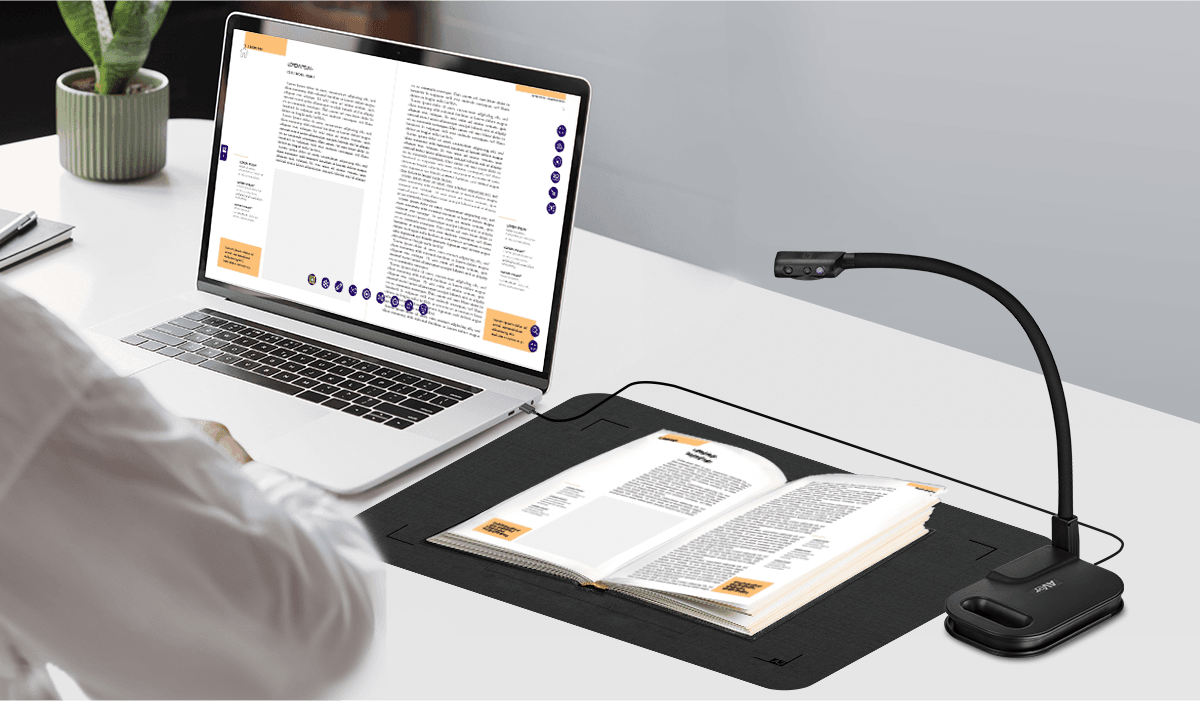
AVer Visualizer + OCR in One Easy Scan
Capture images with AVer Visualizers to recognize text content on paper by using OCR. Upgrade your teaching materials in a snap!
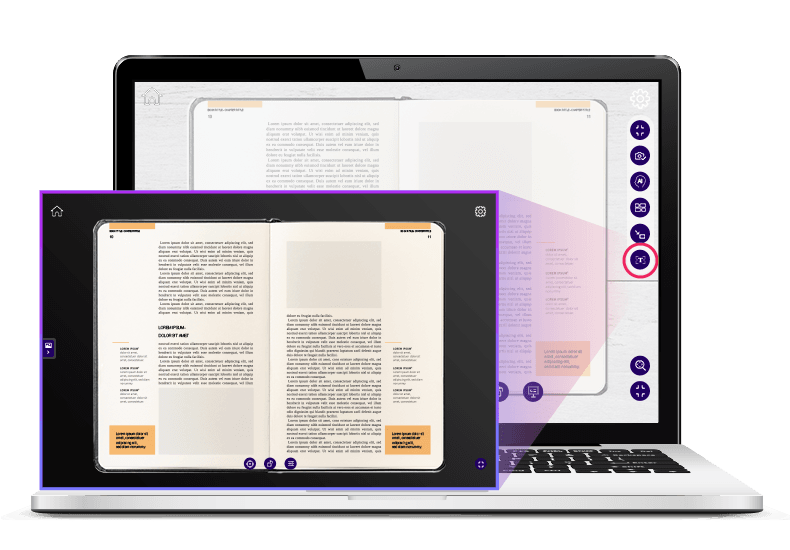
AVerTouch + OCR: Capture, Convert, Storage
Activate OCR in AVerTouch with a purchased license key. Start converting teaching materials into digital files, store them rapidly.
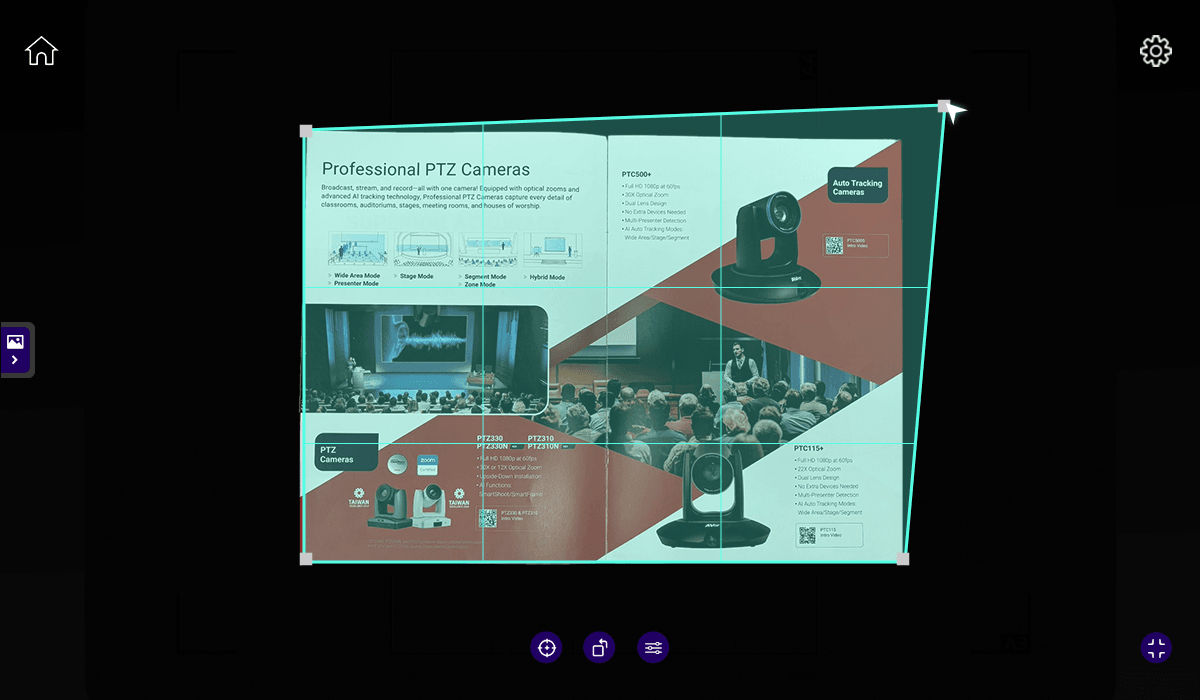
AVer AI + OCR: Smart Teaching & Learning
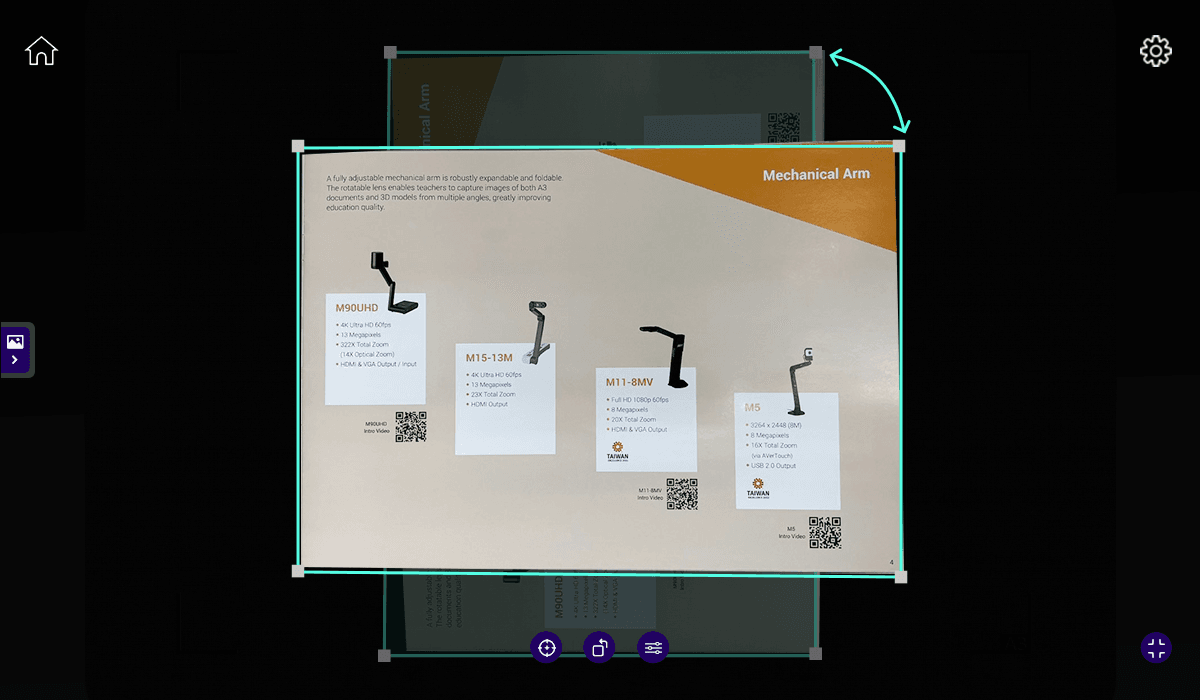
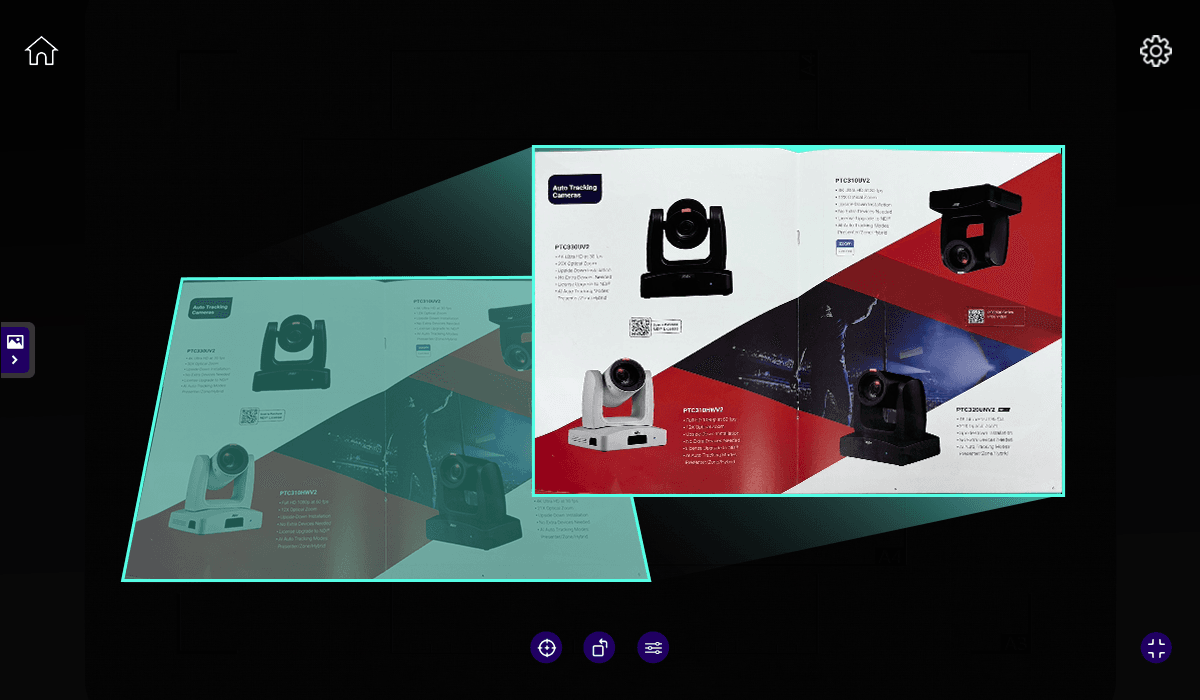
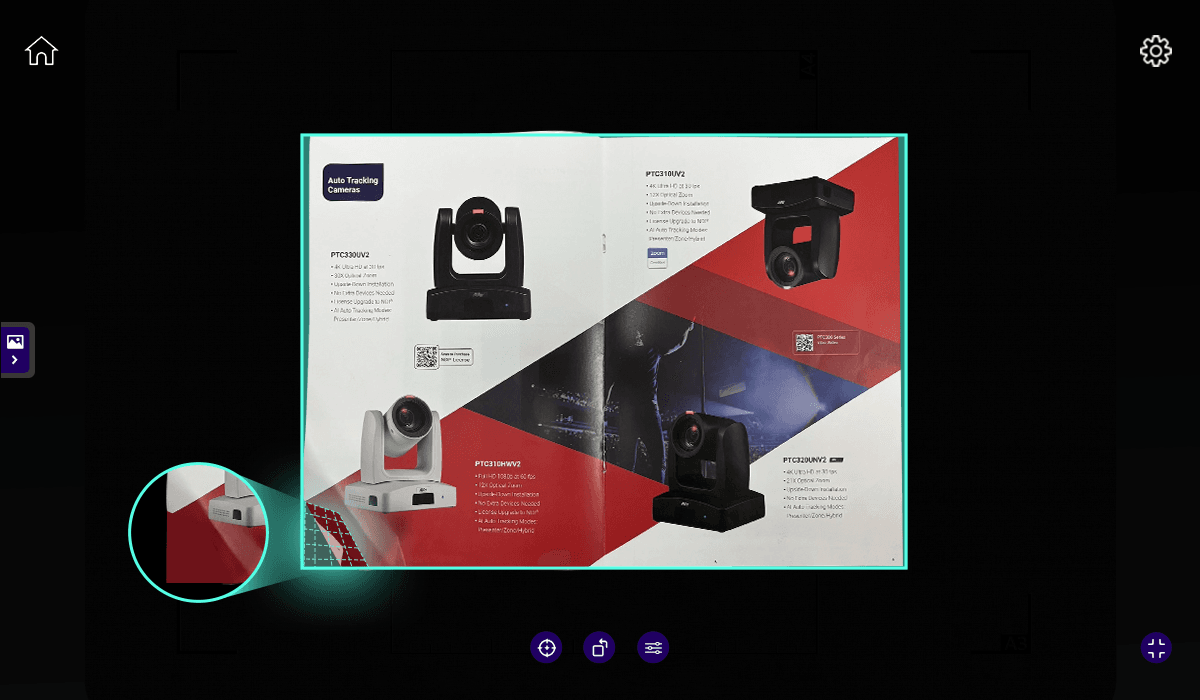
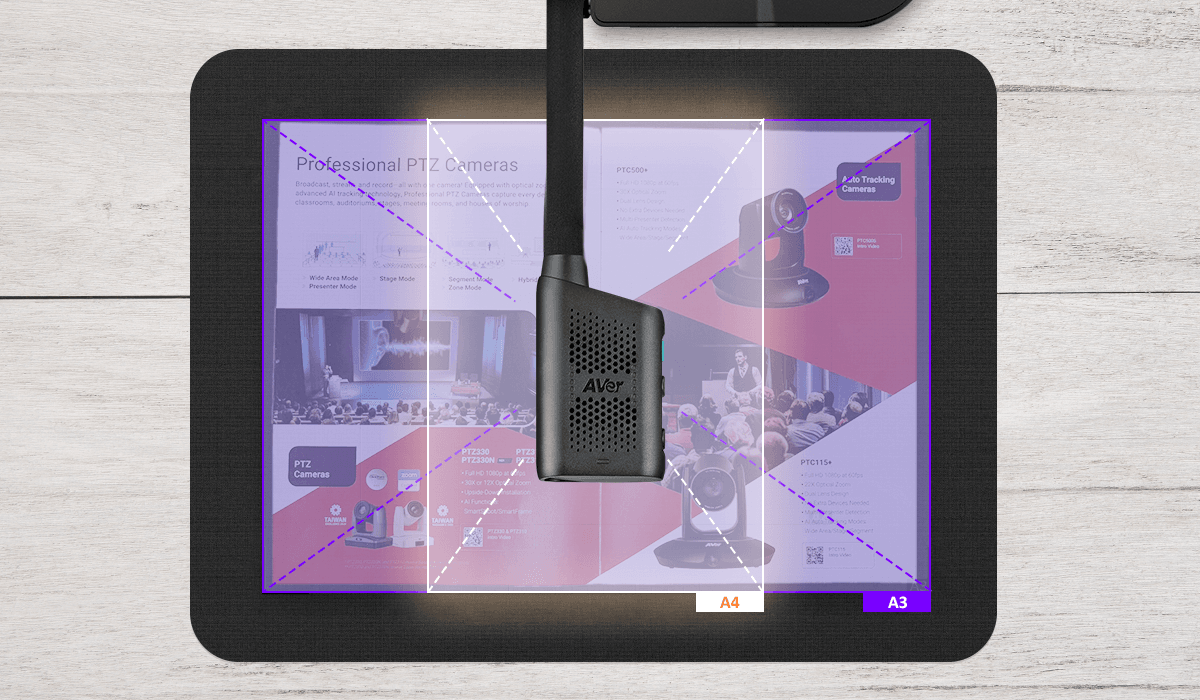
OCR has advanced AI image processing technology for auto/manual cropping, auto page orientation, keystone correction, edge fill, and A3/A4 page sizing. Achieve twice the result with half the effort and make learning more effective.
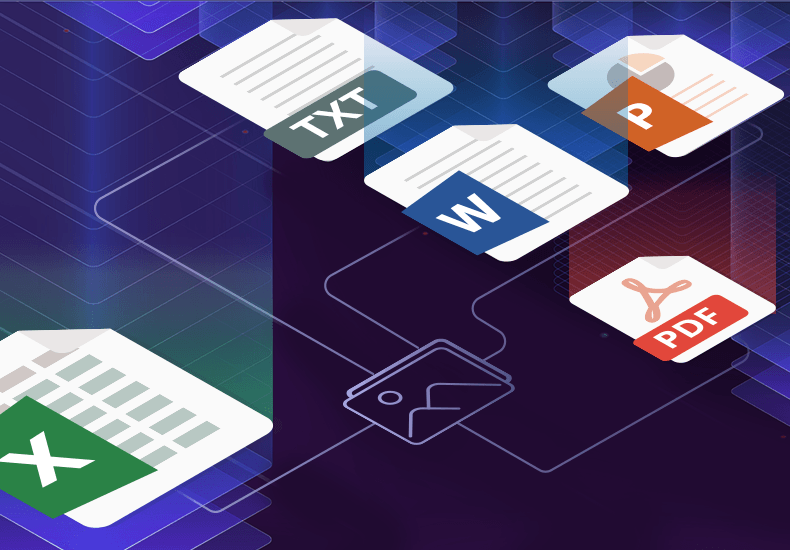
Every Format for Every Need
Export your paper materials in multiple file formats automatically, making them instantly usable. Select single or batch exports to save precious teaching time and streamline lesson prep.
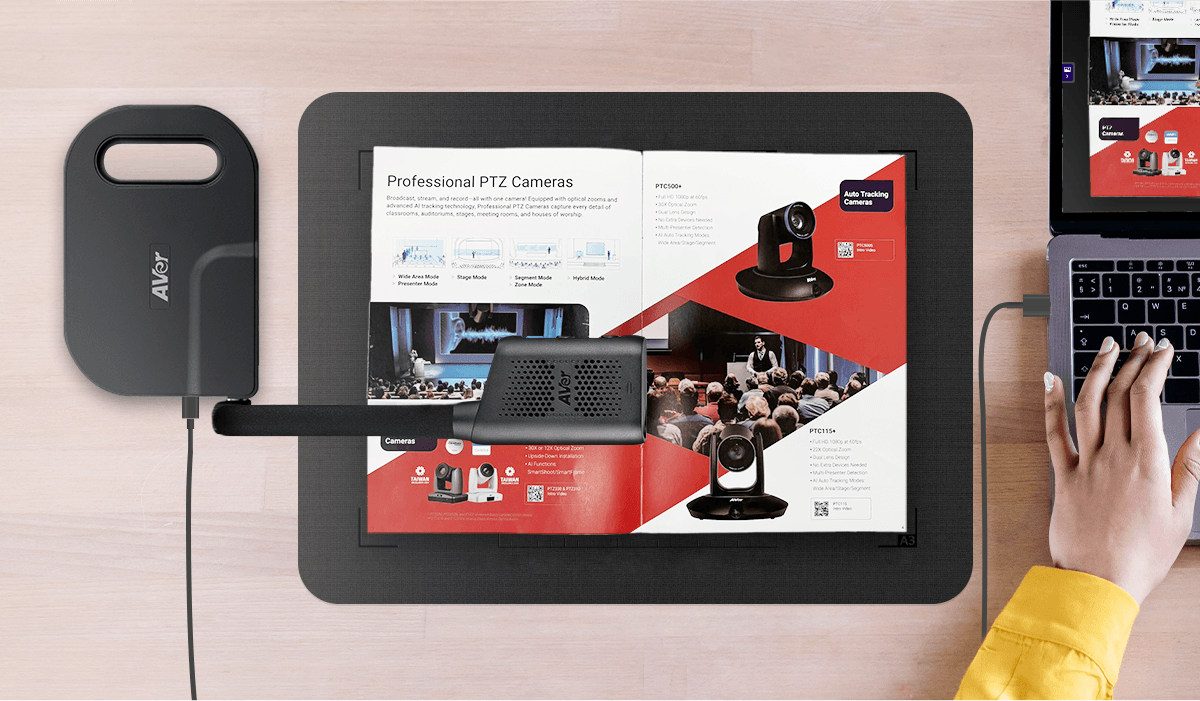
Scanning Mat: Your Perfect Mate
Place documents on the scanning mat and get clear scans every time. Alignment guides ensure perfect placement, while the cushioned surface protects documents, and the roll-up material makes for easy storage on the go.
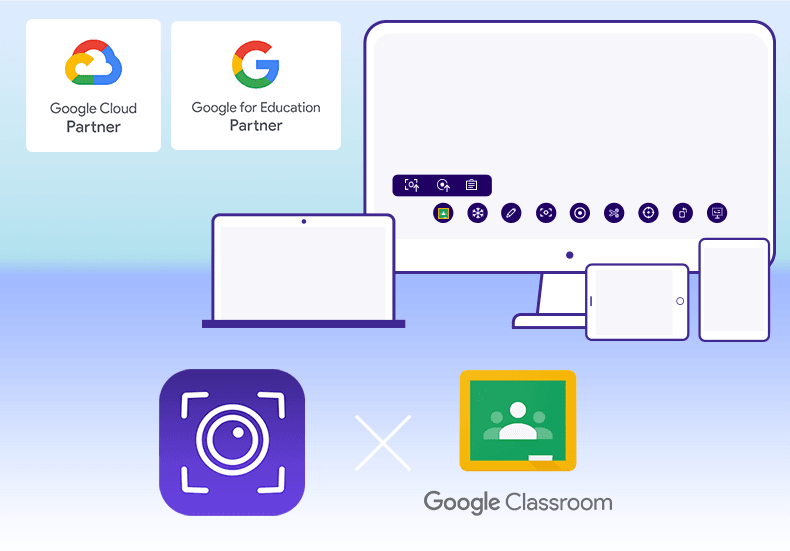
AVerTouch + Google Classroom: Amplify Your Teaching Power!
Stream live video from an AVer Visualizer to AVerTouch and connect to Google Drive to automatically back up and sync digital files. Perfect for sharing and collaborating with students and other teachers.
Save big with our discount bundles. Visit web pages for product details.
Standard Package A

Standard Package B

Standard Package C

Standard Package D

Single Item A
Single Item B
Specifications
For Windows® PC/laptop
| For Windows® PC/laptop | Intel® Core™ i3 or higher 4 GB of RAM or higher 32/64-bit processor 2 GB free disk space for installation Display resolution: 1366 x 768 or higher Connection interface: USB 1.1 or higher for AVerVision Visualizers |
|---|---|
| Note | OCR is only supported on Windows® OS. For optimal OCR results, ensure good lighting, a clean lens free of debris, and a simple background color for accurate text recognition. OCR only supports AVer's USB Visualizers. Please keep your license key secure, as it cannot be replaced if lost. |
More from this range
View the range →
CaptureShare
CaptureShare is a powerful free application that helps teachers to achieve a richer collaborative classroom video conferencing experience.
Interested in this product?
Request a quote: our team will confirm availability, compatibility and a deployment plan.