
Product views
Overview
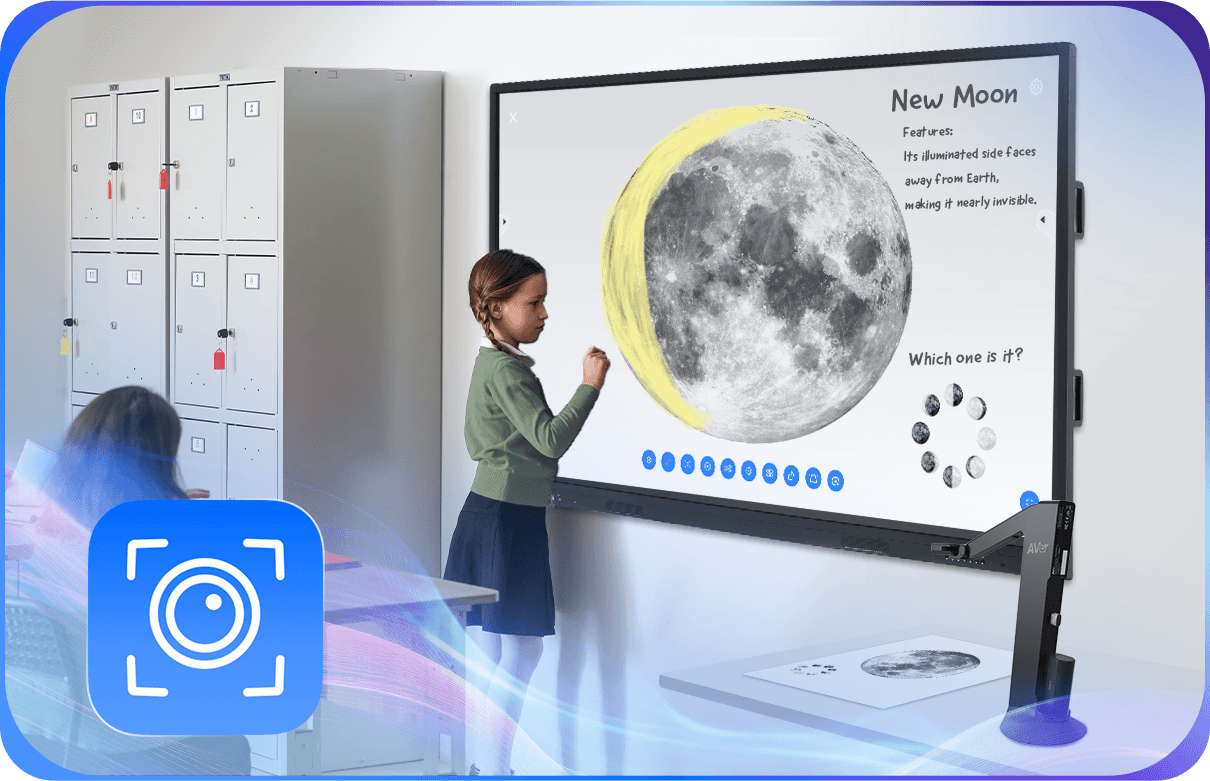
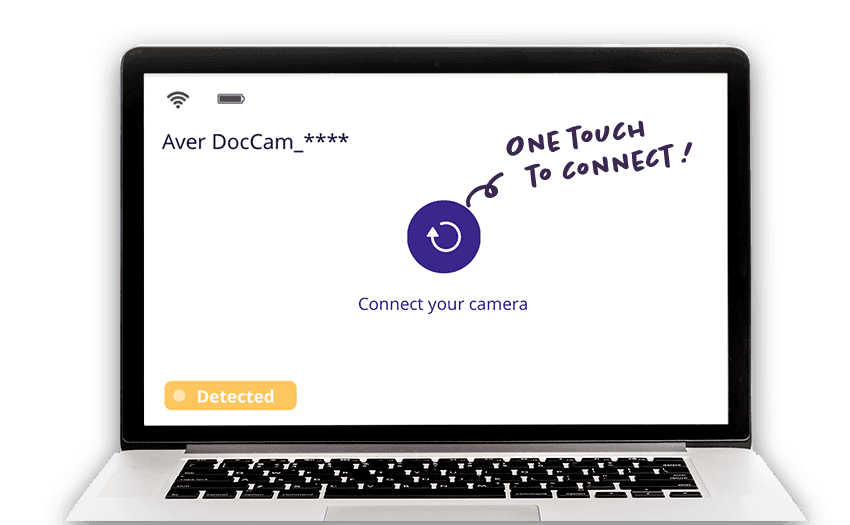
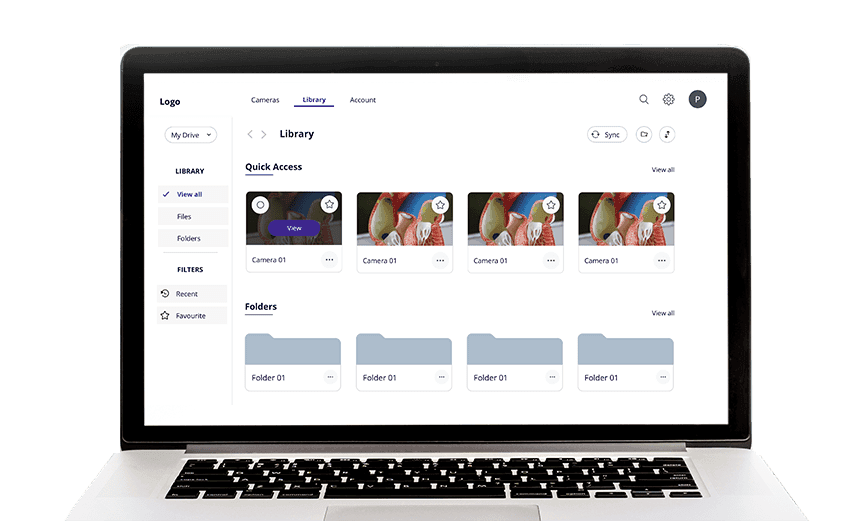
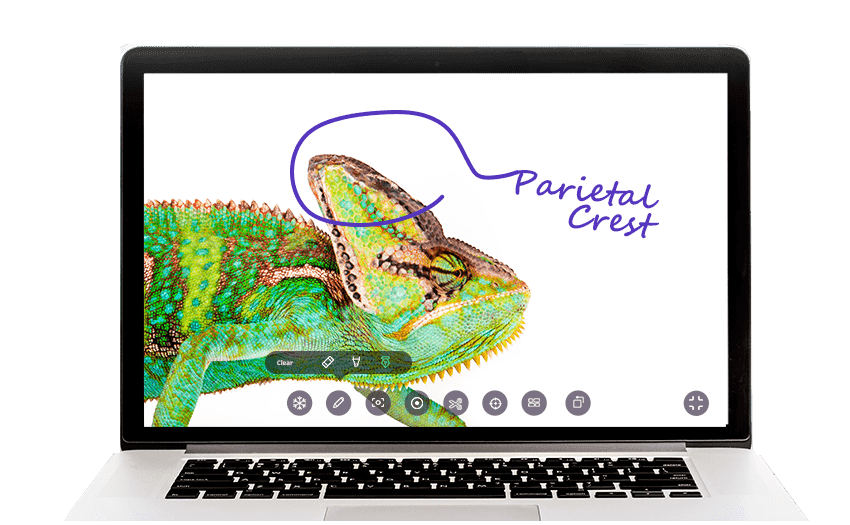
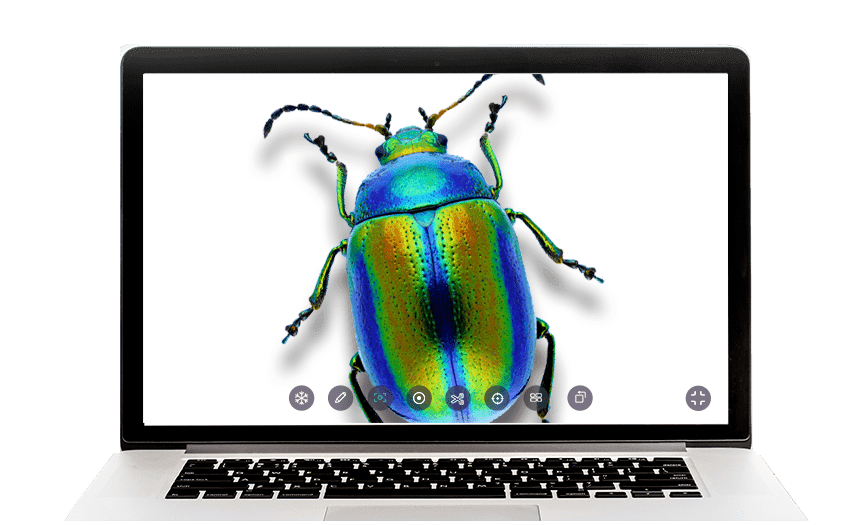
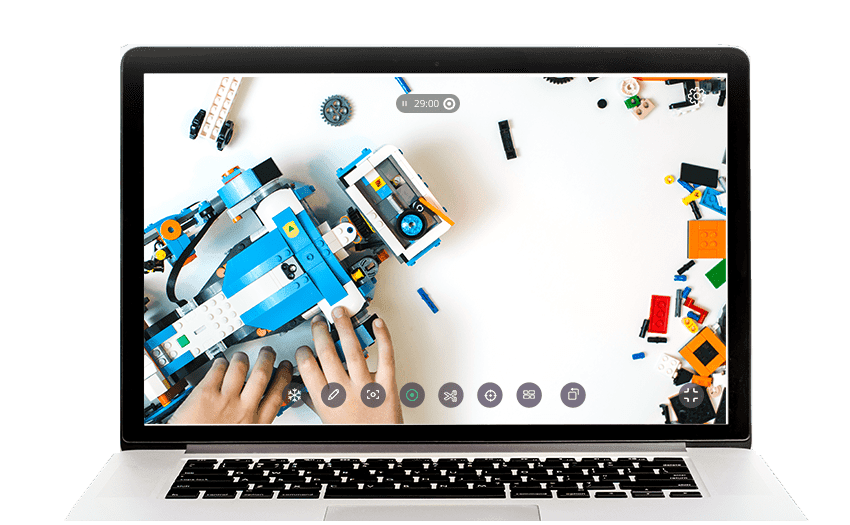
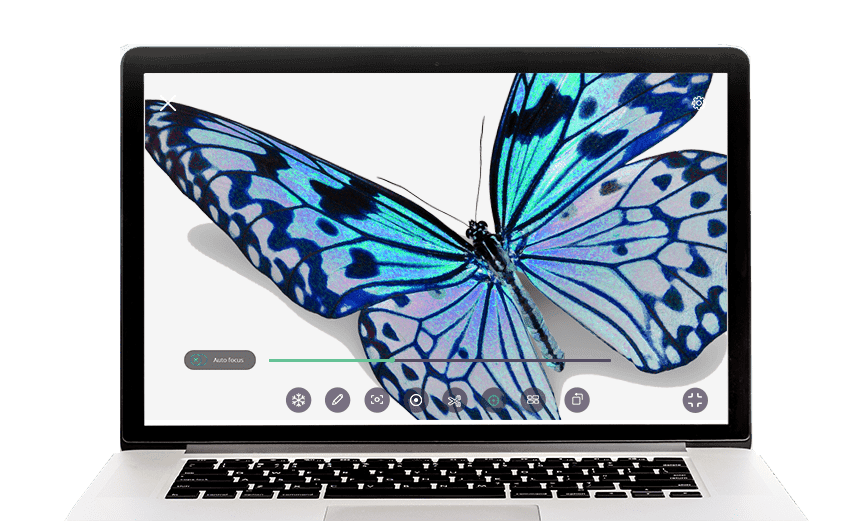
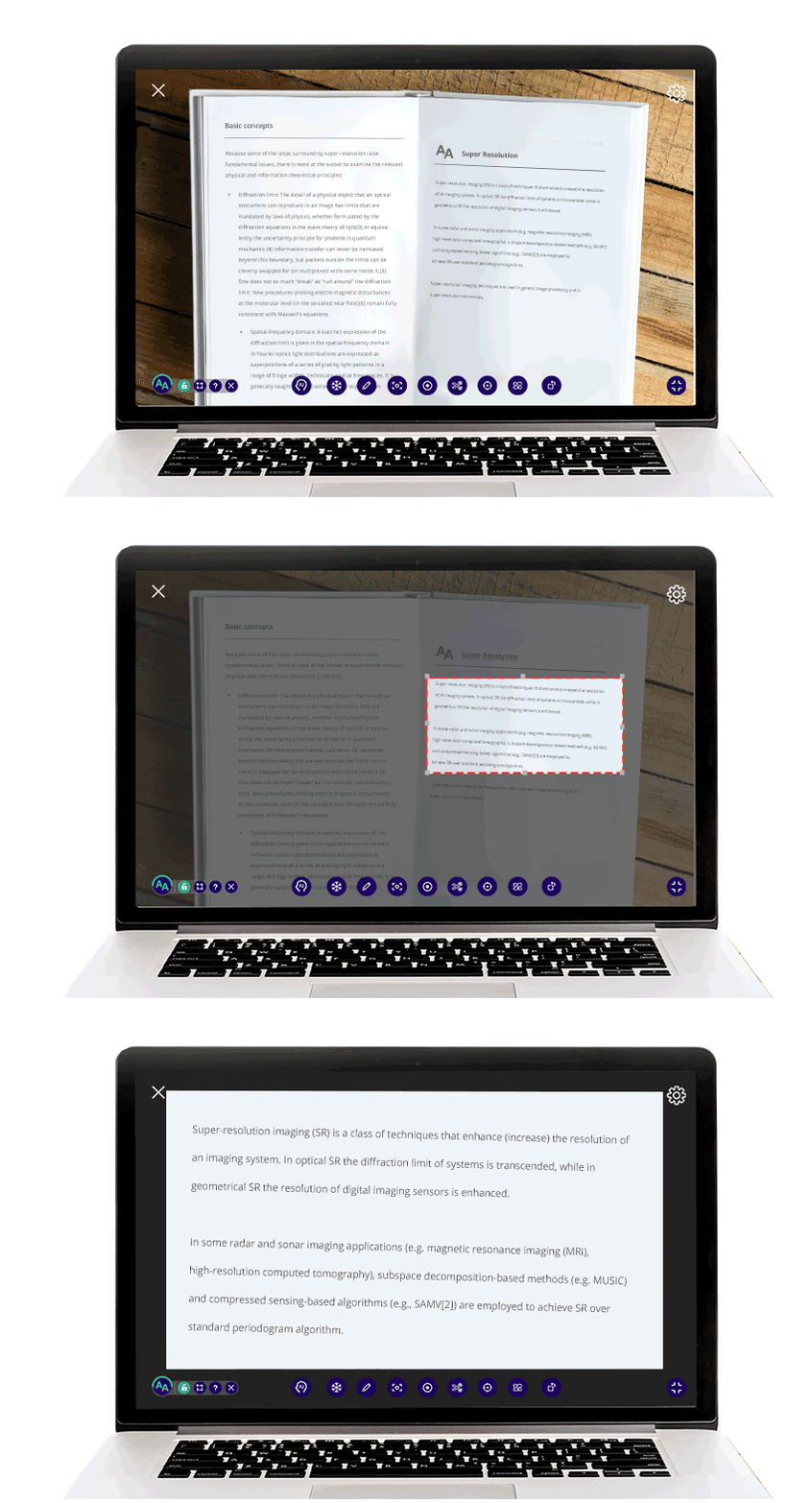
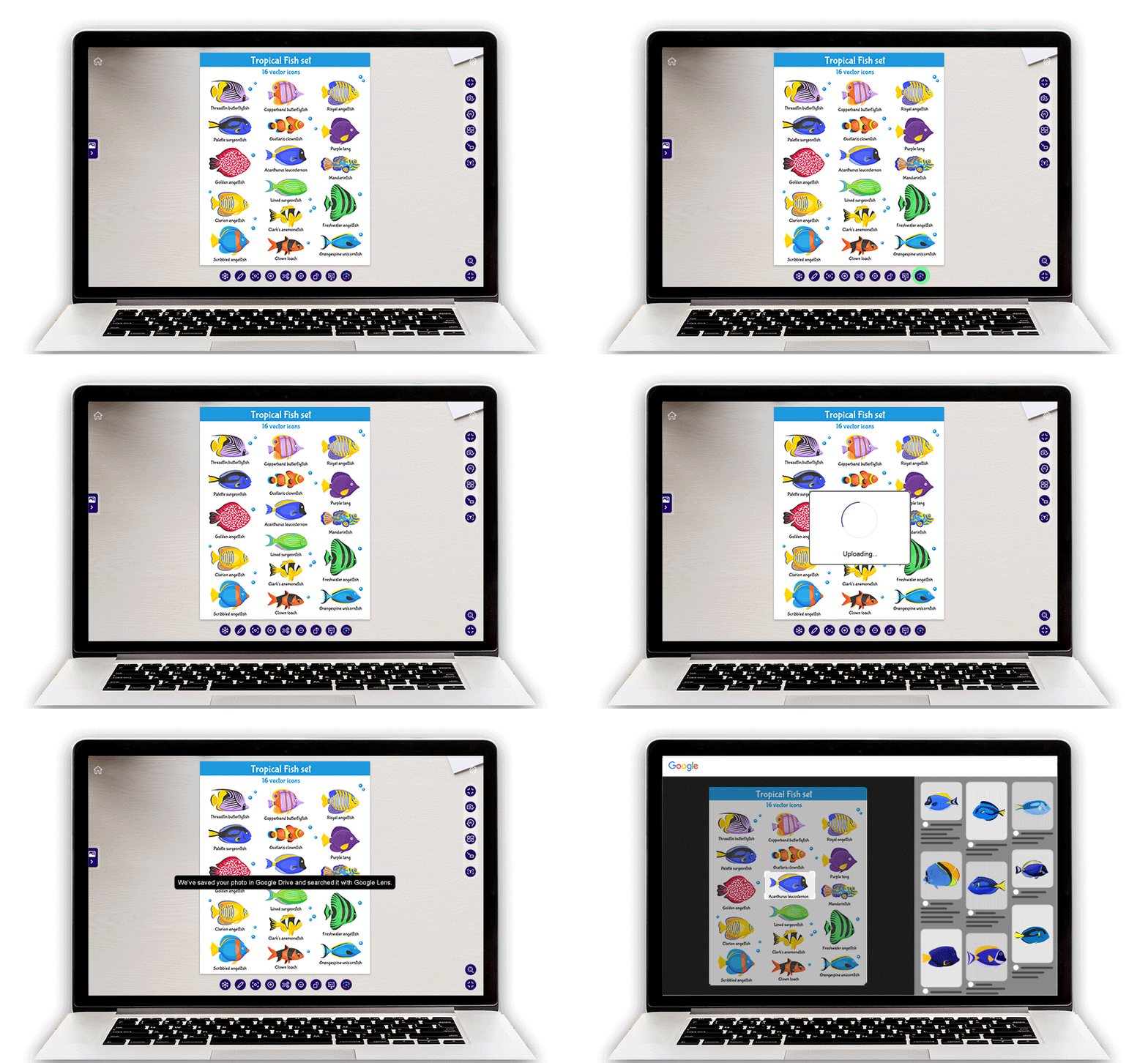
AVerTouch is ultra-powerful software designed exclusively for AVer visualizers. One touch connects your visualizer with mobile devices for content sharing, and you can sync to the cloud to automatically save annotated, captured, and recorded files. Teaching is incredibly fun when you use AVerTouch to engage with your students.
* To learn more about AVer's terms and conditions, please .
** To learn more about AVer's privacy policy, please .
Cross-Platform & All-in-One Software
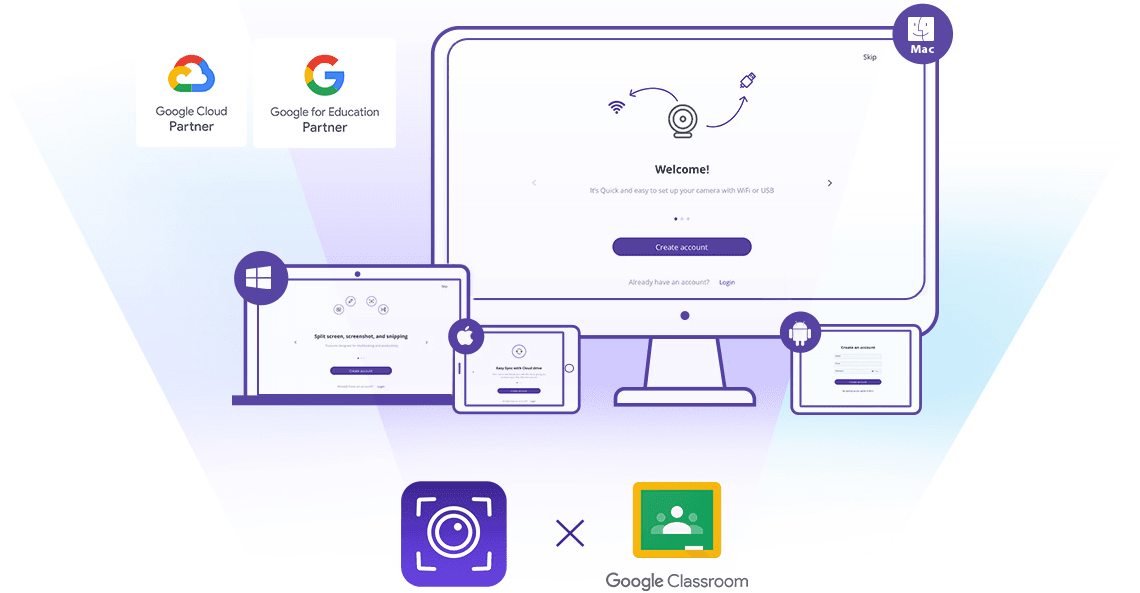
AVerTouch software is available for iOS, Mac®, Android™, and Windows® operating systems to fulfill mobile learning needs in modern schools. AVerTouch gives teachers the freedom to move around the classroom, controlling the visualizer remotely and showing materials from anywhere. Combine AVer visualizers with AVerTouch to synchronize content to the cloud and maximize your digital capability.
AVerTouch for Android™: Quick Sharing, Connected Teaching
AVerTouch enables educators to instantly display live content from wired and wireless document cameras (visualizers) onto Android™-powered Interactive Flat Panel Displays (IFPDs), Chromebooks, and tablets. Teachers can easily present materials, annotate, and interact with students, creating a more engaging digital learning environment and enhancing classroom efficiency.
* Android is a trademark of Google LLC.
AVerTouch Software


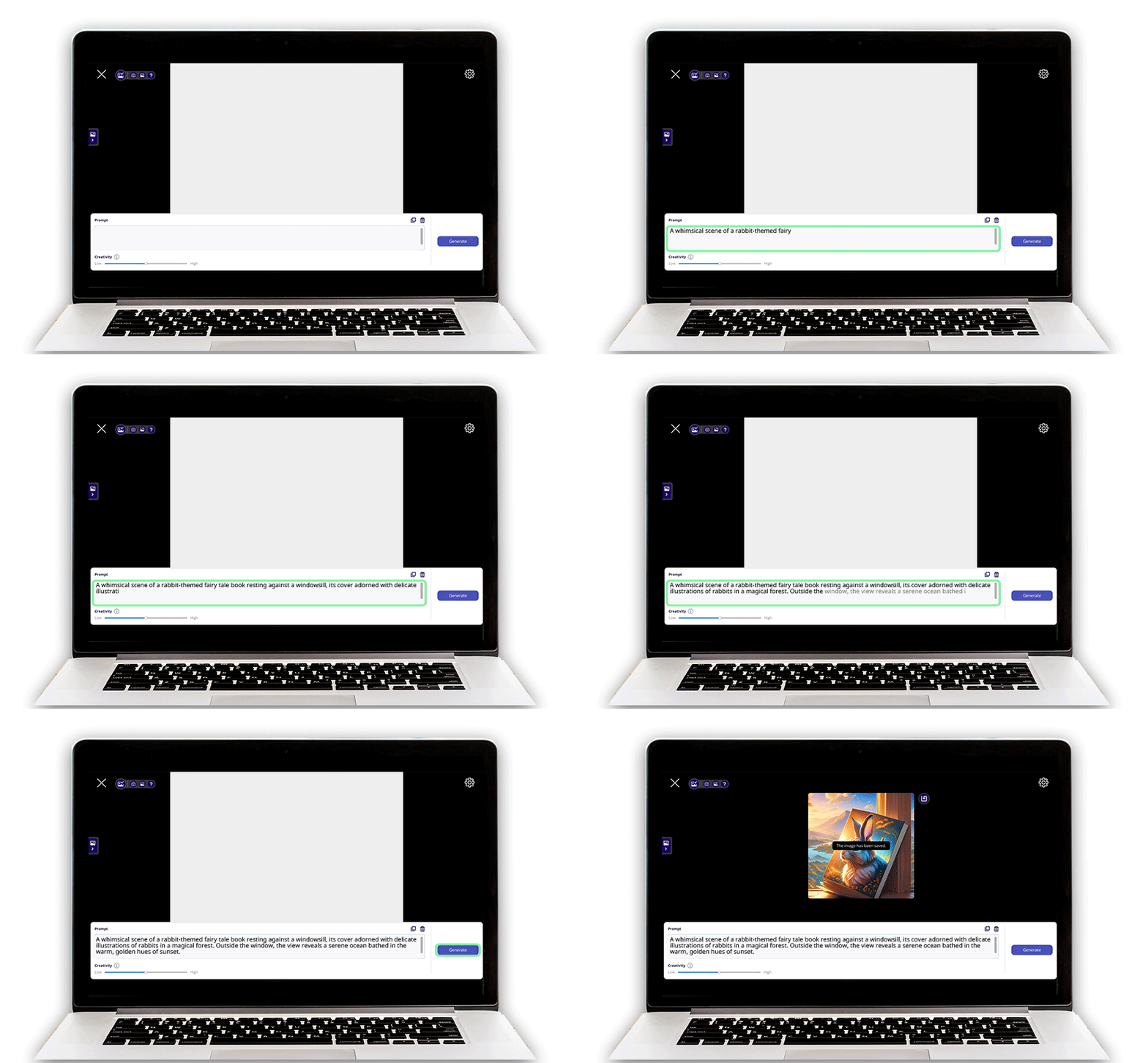
Specifications
System Requirements
| Supported devices | Windows® PC & laptop (Windows® 7, 10, 11) Mac® PC & laptop (macOS 10.15, 11, 12) iPad (iOS v12 or later) Android tablet (Android v7.1.0 or later) |
|---|---|
| System requirements for Windows® PC/laptop | Intel® Core™ i3 or higher 4 GB of RAM or higher 32 / 64-bit processor 900 MB free disk space for installation DirectX® 9.0c compatible video card Display resolution: 1280 x 720 or higher |
| System requirements for Mac® | Intel® Core™ i3 or higher 4 GB of RAM or higher 64-bit processor 900 MB free disk space for installation Display resolution: 1440 x 900 or higher |
System Requirements for the AI Image Generator
| Supported devices | Windows® PC & laptop (Windows® 10, 11) Mac® PC & laptop (macOS 14) |
|---|---|
| System requirements for Windows® Computer | GPU GeForce® GTX1050Ti or higher 4 GB of VRAM or higher 8 GB of RAM or higher 20 GB free disk space for installation |
| System requirements for Mac® Computer | Apple Silicon Mac® Mac computers with Apple silicon 8 GB of RAM or higher 20 GB free disk space for installation |
More from this range
View the range →
CaptureShare
CaptureShare is a powerful free application that helps teachers to achieve a richer collaborative classroom video conferencing experience.
Interested in this product?
Request a quote: our team will confirm availability, compatibility and a deployment plan.