
Software
Room Management
Innovative Free Software with an Upgraded Interface for AVer Camera Control
Overview
Room Management (PTZApp 2) allows you to control and configure AVer camera functions via USB, eliminating the need for a remote. Easily transmit video and audio feeds over IP to video conferencing software. Enhance your video conferencing experience with seamless integration, superior functionality, and advanced camera control.
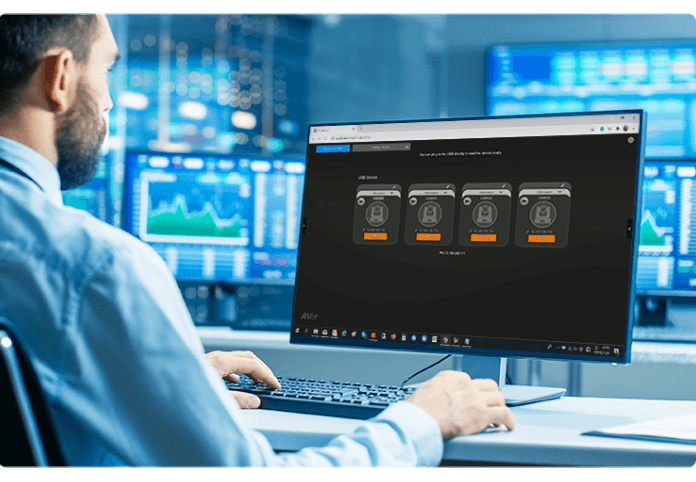
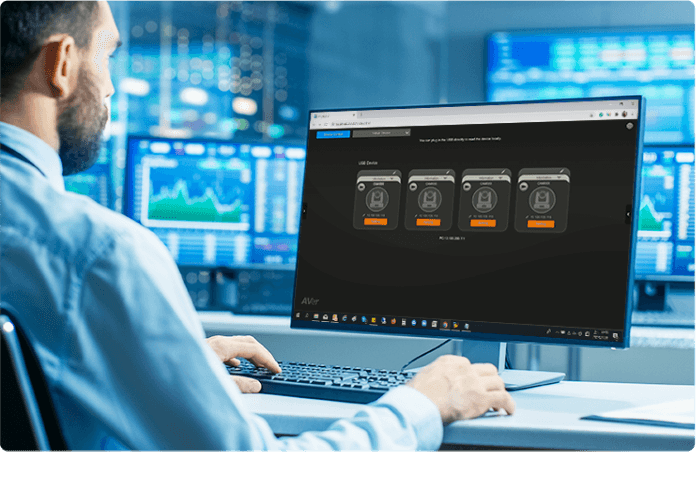
A Well-Rounded Approach to Management
- Upgrade firmware automatically or manually
- Control cameras on the app
- Adjust camera and image settings
- Diagnose operating status
- View live video
All New Preset Link Delivers a Smarter Meeting Experience
Preset Link is a new feature of Room Management that integrates AVer cameras with leading microphone brands! The camera automatically identifies speakers and adjusts its field of view instantly using voice tracking based on preset point settings. Preset Link offers outstanding audio and precise video quality in meetings. Upgrade your smart conference experience with Preset Link now!

Virtual Streaming
Enjoy easy-to-use virtual streaming. With Room Management (Windows® version only), you can stream video from AVer cameras when they are on the same LAN. When using video conferencing software, you can also enable this function to activate a virtual stream with one click.

Same LAN network
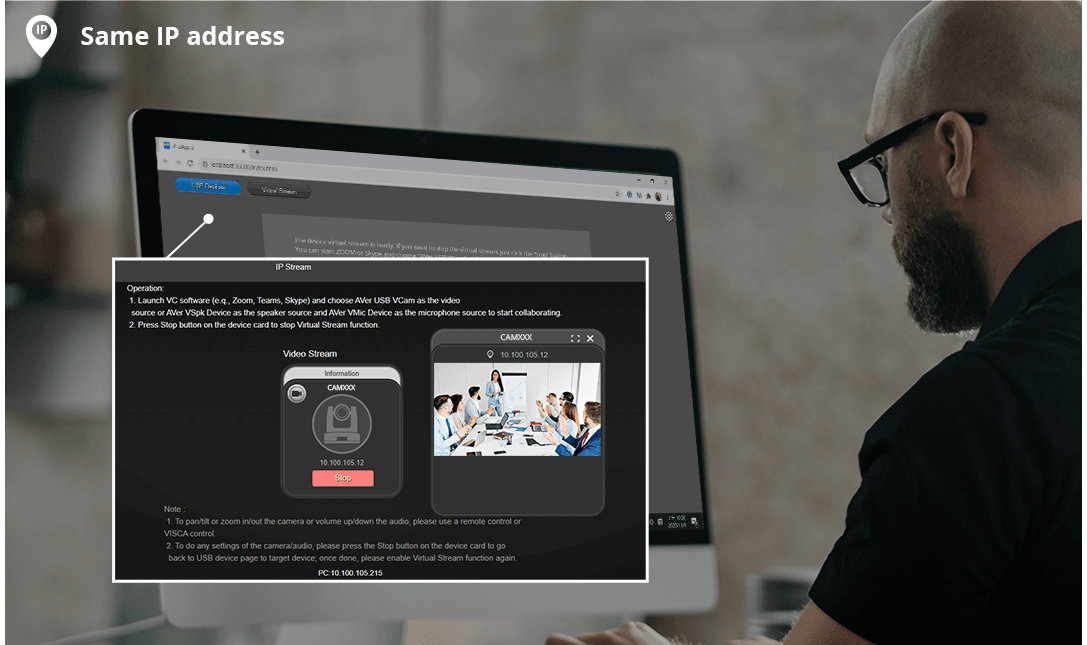
Same LAN network
Up to 10 Camera Presets
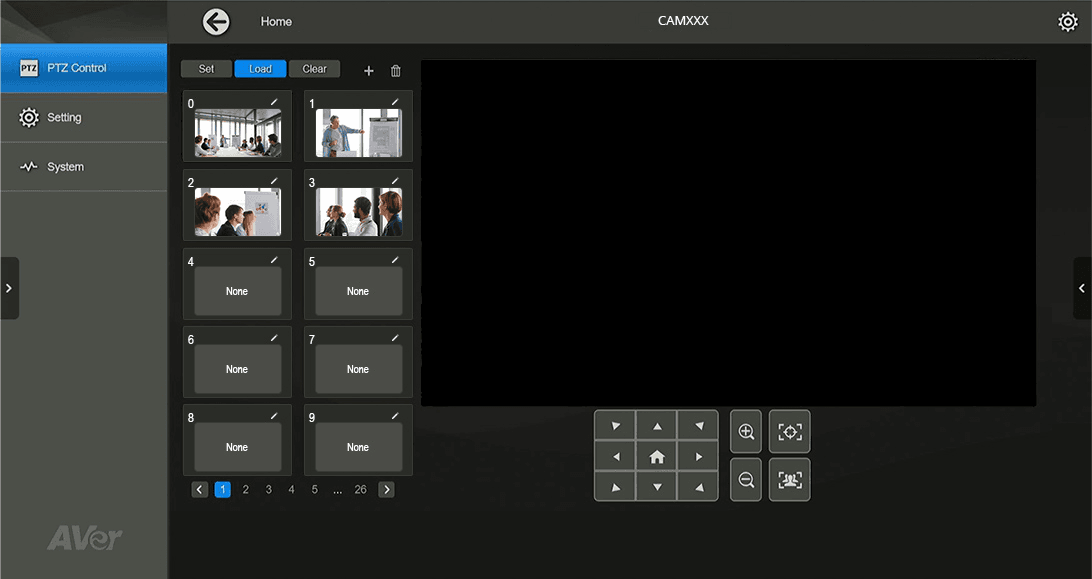
Collaborate more efficiently by eliminating manual panning or zooming during meetings. Room Management lets you set up to 10 preset locations via remote control. Just press a button to shift from a wide view of the room to a close-up of an object and highlight the key points.

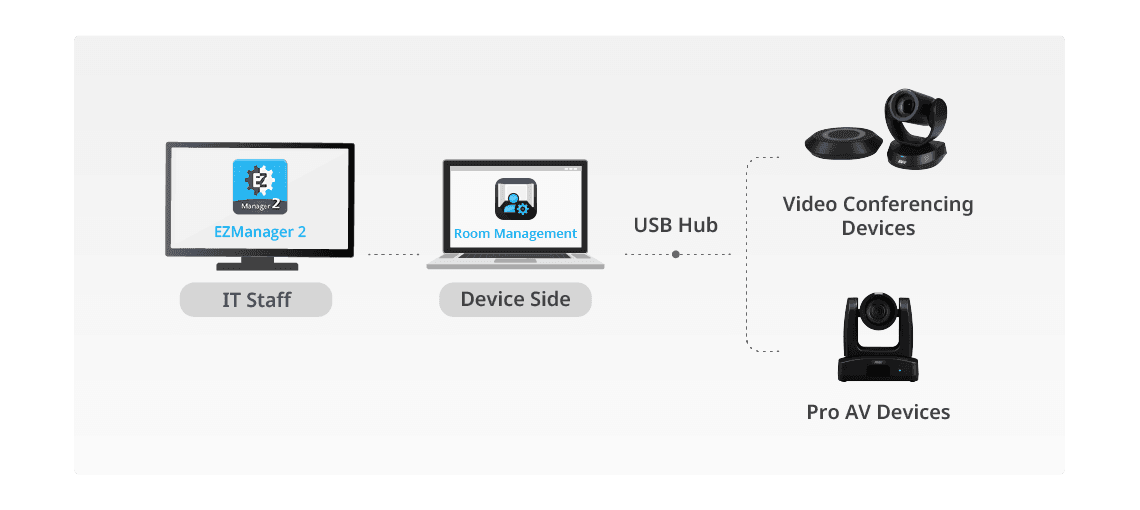
Simplify Camera Management with EZManager 2
To simplify device management, you can link Room Management with EZManager 2. This system categorizes AVer cameras and clearly displays each device's status, making it easier to manage your network.
Specifications
PC Hardware and Software Requirements
| PC Hardware and Software Requirements | CPU: Intel® Core™ i5-6xxx 3.0 GHz RAM: 4 GB HDD: 3 GB (Free Space) OS: Windows® 7 or later |
|---|---|
| Mac® Hardware and Software Requirements | CPU: 1.3 GHz Intel® Core™ i5 RAM: 8 GB HDD: 3 GB (Free Space) OS: macOS 11.6 or later |
Preset Link Supported Models
| Video Conferencing Devices | CAM570, CAM550, CAM520 Series, VC550 |
|---|---|
| Microphone Systems | Shure® MXA310 / 710 / 910 / 920 Microphone Sennheiser® TeamConnect Ceiling 2 Microphone Yamaha® RM-CG Ceiling Array Microphone Yamaha® RM-TT Tabletop Microphone Yamaha® RM-CR Remote Conference Processor Yamaha® RM-W Series Wireless Microphone System Nuvera® HDL300 / HDL410 Audio Bar |
Room Management Supported Models
| Video Conferencing Devices | CAM Series VC Series (VC550 not included) VB Series (VB370A not included) FONE Series |
|---|---|
| Pro AV Devices | TR200 & TR300 Series PTC300 Series PTZ330UV2, PTZ330UNV2, PTZ310UV2, PTZ310UNV2 PTZ200 Series |
Virtual Stream Supported Models
| Virtual Stream Supported Models | CAM570, CAM550, CAM520 Series |
|---|
More from this range
View the range →
CaptureShare
CaptureShare is a powerful free application that helps teachers to achieve a richer collaborative classroom video conferencing experience.
Interested in this product?
Request a quote: our team will confirm availability, compatibility and a deployment plan.