
Product views
Overview
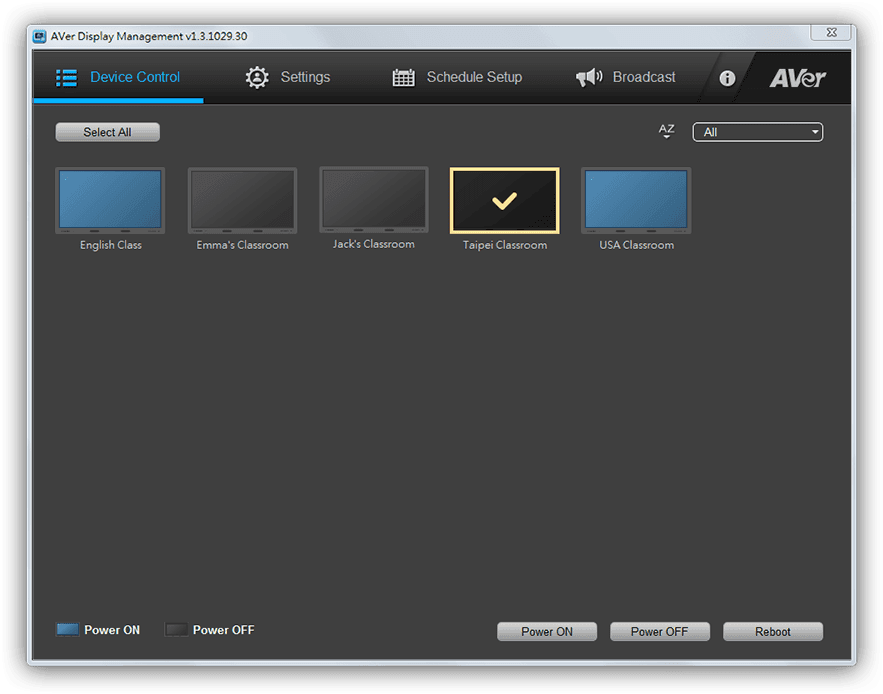
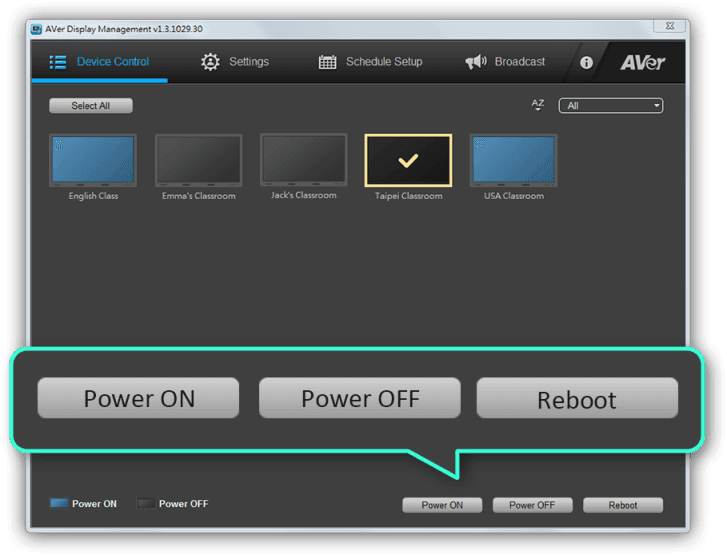
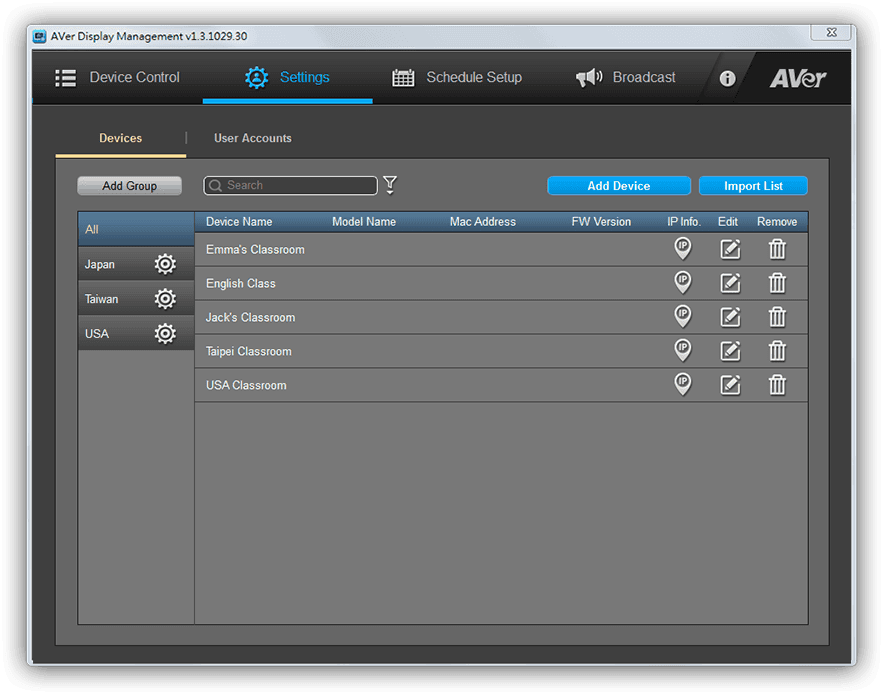
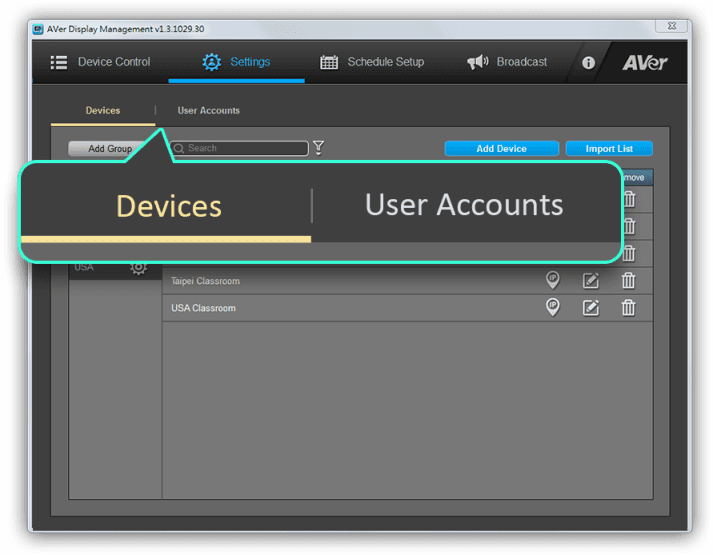
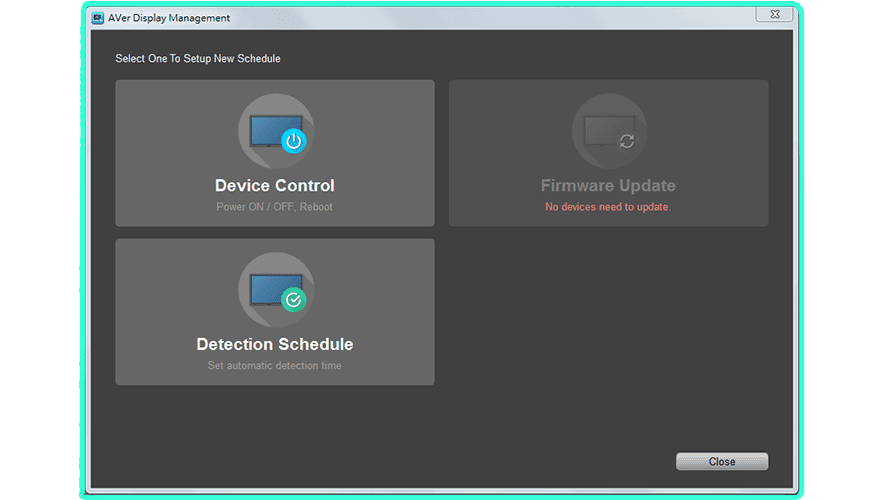
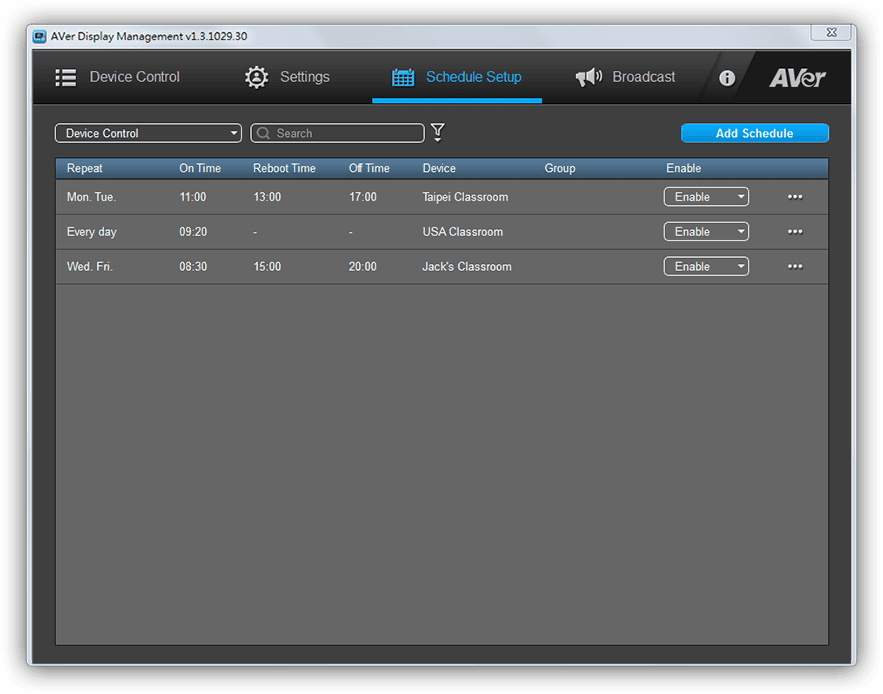
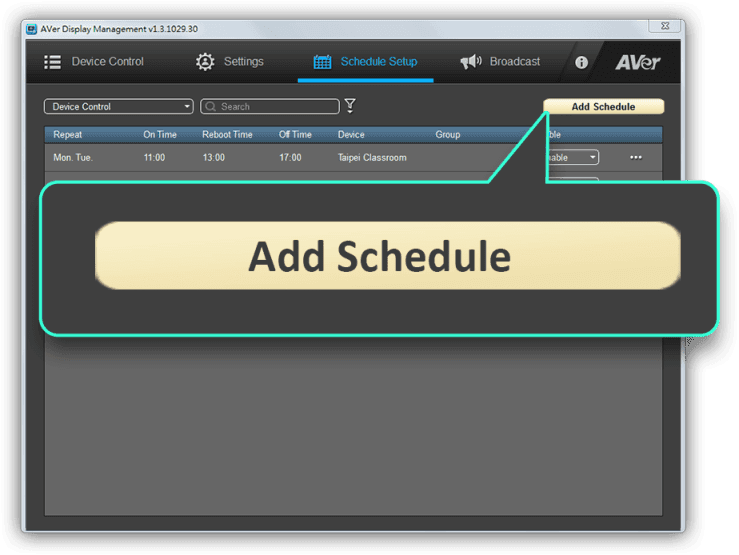
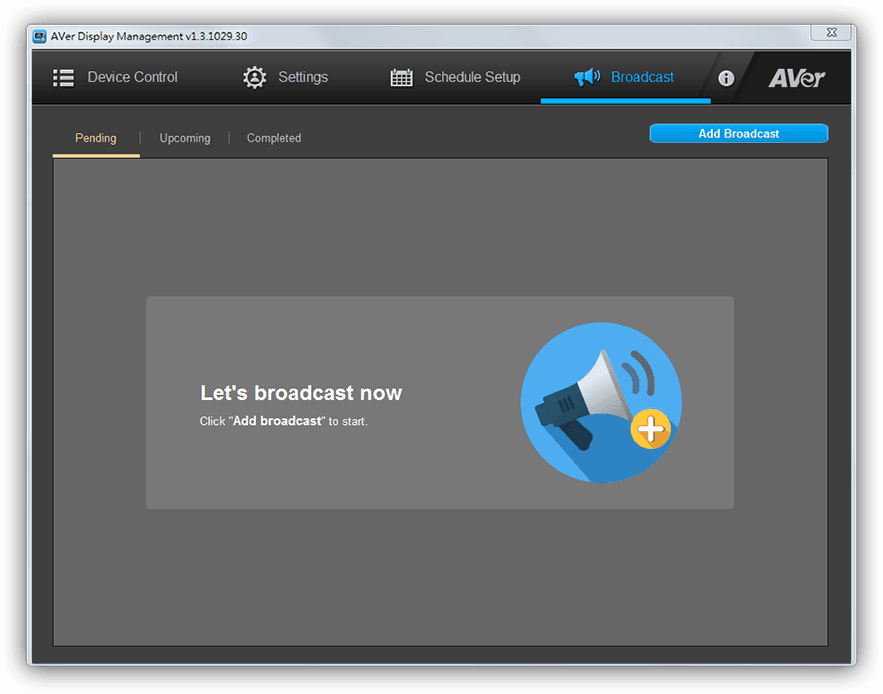
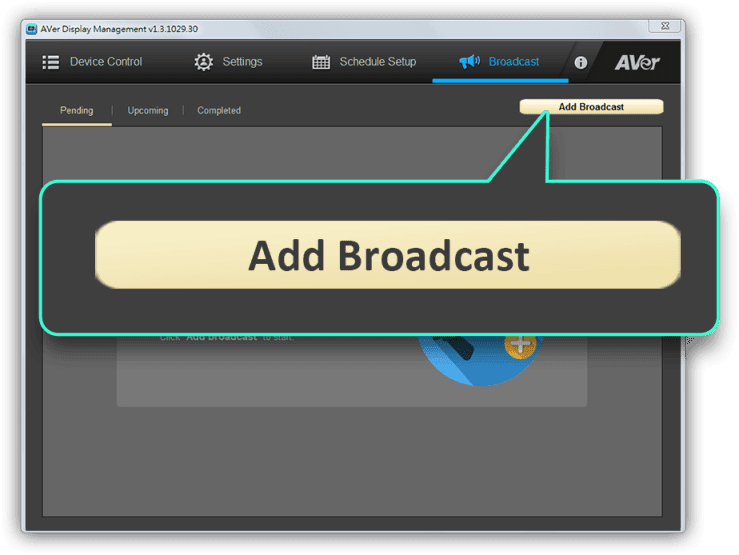
AVer Display Management offers real-time remote management and diagnosis of Interactive Control Boxes. IT managers can adjust settings, power on and off, manage user IDs, and schedule firmware updates from their office, rather than patrolling through campus one classroom at a time. The software even makes internal communication more efficient by allowing users to broadcast system messages. Teachers can send text announcements to avoid interrupting class or customize audio announcements to surprise students!






Specifications
Supported devices
| Supported devices | Windows® PC & laptop (Windows® 7, 8, 10) |
|---|---|
| System requirements for Windows® PC/laptop | Intel® Core™ 2 Dual 2.00 GHz or higher 1 GB of RAM (2 GB recommended) 500 MB free hard disk space for basic installation DirectX® 9.0c compatible video card Display resolution: 1024 x 768 or higher |
More from this range
View the range →
CaptureShare
CaptureShare is a powerful free application that helps teachers to achieve a richer collaborative classroom video conferencing experience.
Interested in this product?
Request a quote: our team will confirm availability, compatibility and a deployment plan.